
Every machine in Cada máquina do
Industrial, explained. explicada.
Energy rates, level caps, spawn ranges and build order for all 64 machines, robots, vehicles and blocks in the add-on.Produção de energia, níveis máximos, alturas de spawn e ordem de construção dos 64 itens do add-on: máquinas, robôs, veículos e blocos.
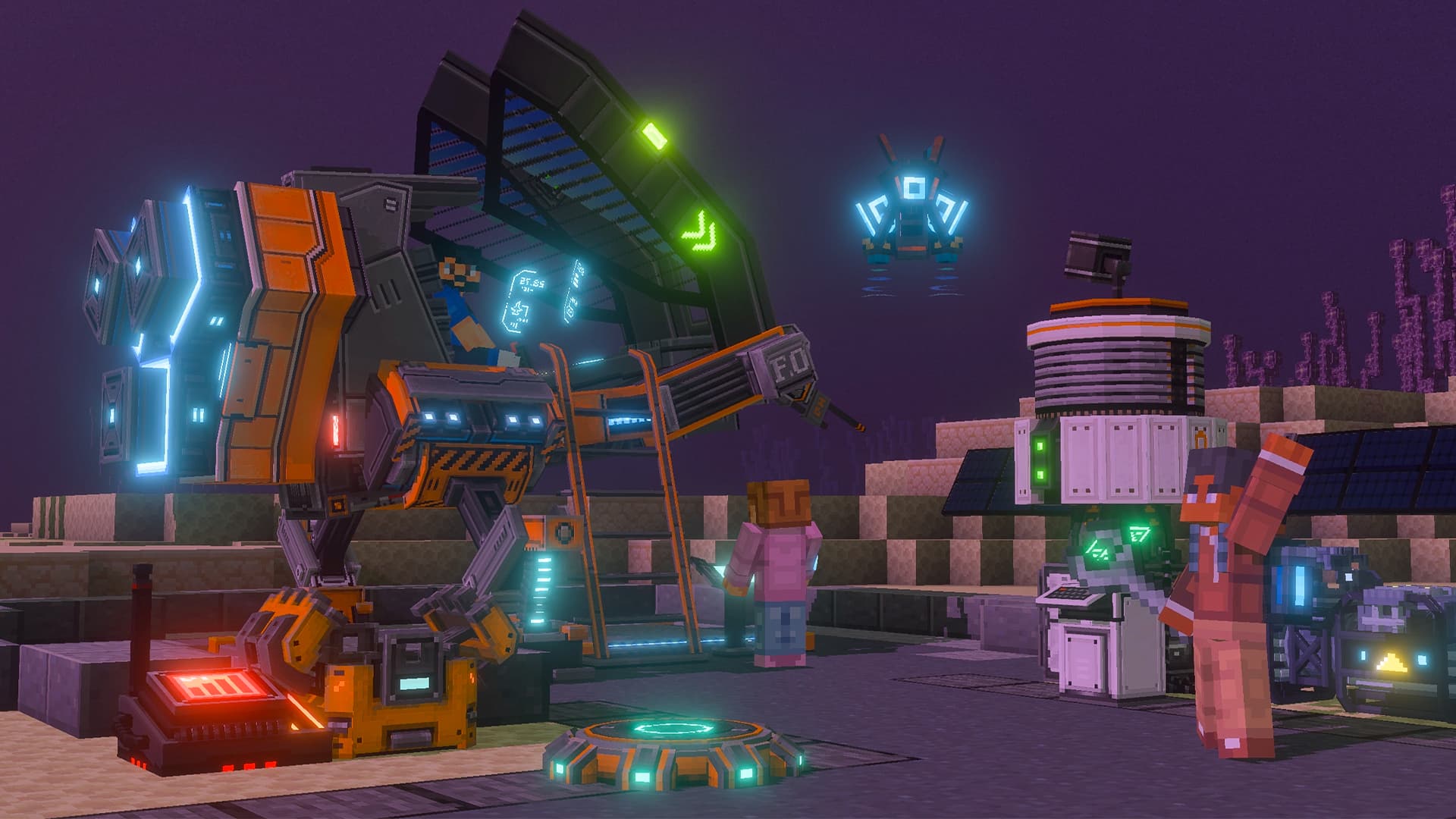
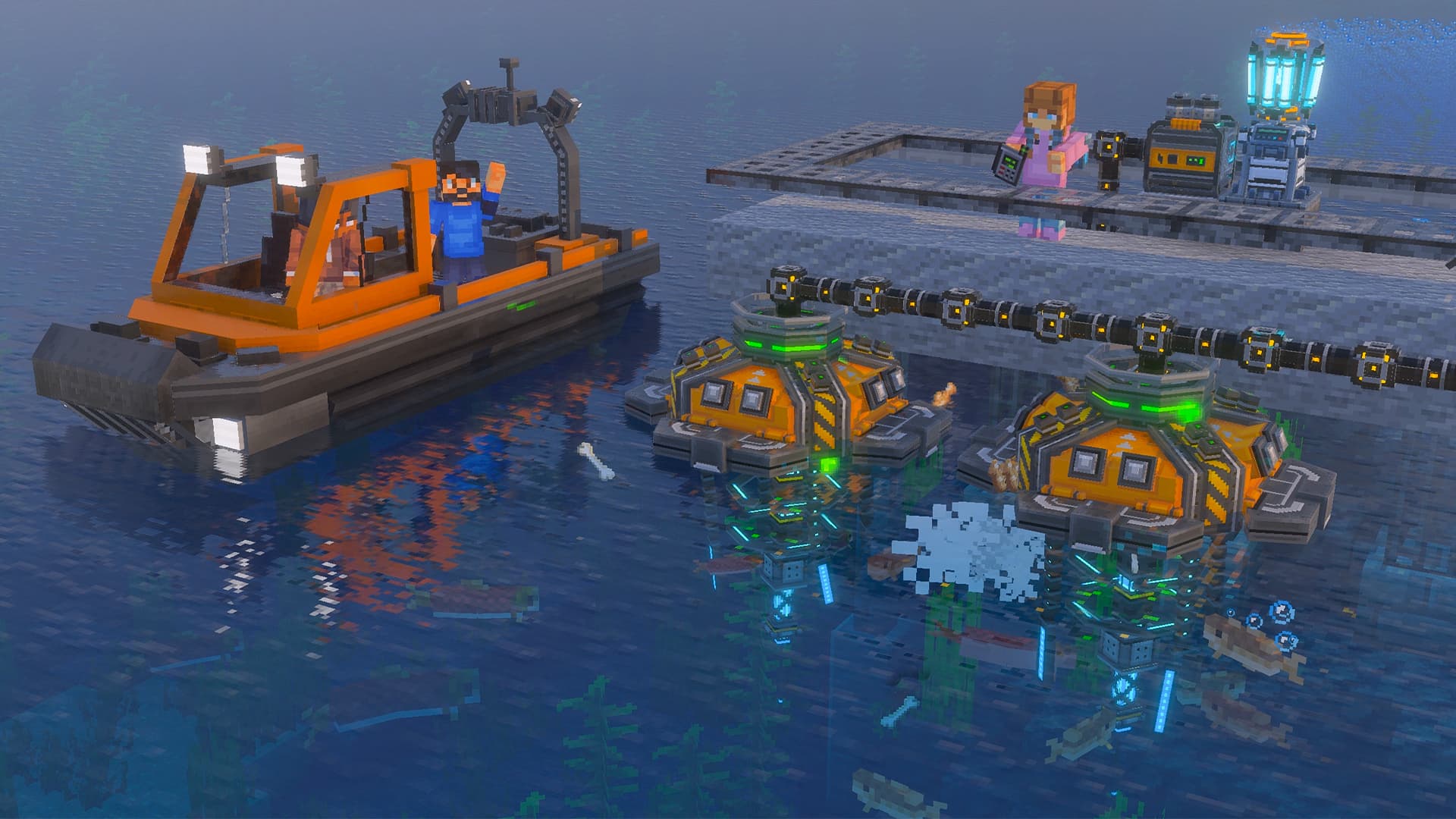
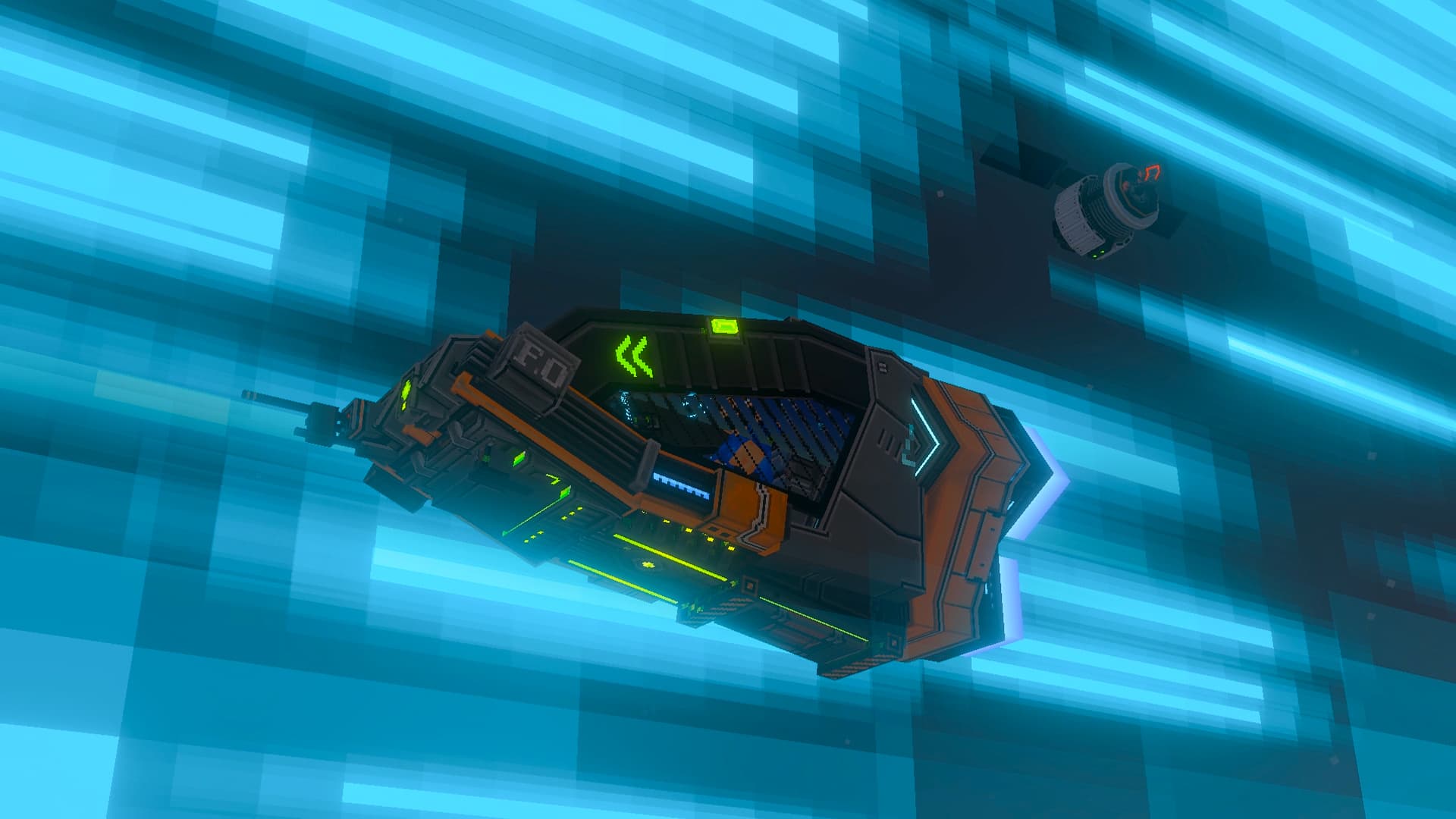
How the add-on fits togetherComo o add-on se encaixa
View allVer tudo →Industrial has one spine, and everything else hangs off it. Learn these four steps and the rest of the wiki is reference.O Industrial tem um núcleo, e todo o resto se apoia nele. Aprenda estes quatro passos e o resto da wiki vira consulta.
- 1Mine EnergiumMinere EnergiumMedium Energium sits in Overworld caves between Y 0 and 20, and in Blackstone Geoids. It is the fuel for everything that follows.O Medium Energium fica nas cavernas do Overworld entre Y 0 e 20 e nos Blackstone Geoids. Ele é o combustível de tudo que vem depois.
- 2Build the ComputerConstrua o ComputerFive recipes work in the vanilla crafting table. The Computer is the one that matters, because its Factory menu crafts everything else.Cinco receitas funcionam na bancada de trabalho do Minecraft. A que importa é o Computer, porque o Factory menu dele fabrica todo o resto.
- 3Wire up powerLigue a energiaGenerators feed the Computer through Energy Cables. Green particles along the cable mean charge is moving.Os geradores alimentam o Computer pelos Energy Cables. Partículas verdes no cabo indicam que a energia está passando.
- 4Automate the worldAutomatize o mundoPipes, robots and vehicles take over the manual work. Push the Computer to Level 20 and Satellites carry power across dimensions.Canos, robôs e veículos assumem o trabalho manual. Leve o Computer ao nível 20 e os Satellites levam energia entre dimensões.
Start with theseComece por estes
Can't find it? Just ask.Não achou? É só perguntar.
The assistant reads this wiki and the add-on's own Guidebook, and answers in plain language with exact energy rates, level caps and Y ranges.O assistente lê esta wiki e o próprio Guidebook do add-on, e responde em linguagem simples, com os valores exatos de energia, níveis máximos e alturas Y.
Watch the trailerAssista ao trailer
Frequently askedPerguntas frequentes
View allVer tudo →How do I get started?Como eu começo?
When you first join the world you automatically receive the Industrial Guidebook and the Industrial Allay spawn egg. Open the Guidebook and read “Learn the Basics → First Steps”, and keep the Allay spawned, since it pops contextual tips as you play. The short version: mine Medium Energium (Y 0-20), craft the Computer, Common Generator and Energy Cables in the vanilla Crafting Table, connect them, and start crafting in the Factory menu.Na primeira vez que você entra no mundo, recebe automaticamente o Industrial Guidebook e o ovo de spawn do Industrial Allay. Abra o Guidebook e leia “Learn the Basics → First Steps”, e deixe o Allay por perto, porque ele mostra dicas conforme você joga. Resumindo: minere Medium Energium (Y 0-20), faça o Computer, o Common Generator e os Energy Cables na bancada de trabalho do Minecraft, ligue tudo e comece a fabricar no Factory menu.
Where do I find Energium?Onde eu encontro Energium?
Energium Medium Ore generates in Overworld caves between Y 0 and 20 and inside Blackstone Geoids. Plain Energium Ore (the Refined tier) only generates in The End, between Y −12 and 70. You can also convert Amethyst, Emerald and Diamond into the three tiers using the Interdimensional Transmutter in The End.O Energium Medium Ore aparece nas cavernas do Overworld entre Y 0 e 20 e dentro de Blackstone Geoids. O Energium Ore comum (o nível Refined) só aparece no End, entre Y −12 e 70. Você também pode converter ametista, esmeralda e diamante nos três níveis usando o Interdimensional Transmutter no End.
Why isn't my machine working?Por que a minha máquina não está funcionando?
Check three things: it has energy (look for green particles travelling along the cables and +/- particles on the machine), the cable is attached on the [│] mark, and the generator has fuel. Look directly at the machine to read its live energy, level and status, like a WAILA display.Confira três coisas: se ela tem energia (procure partículas verdes correndo pelos cabos e partículas +/- na máquina), se o cabo está ligado na marca [│] e se o gerador tem combustível. Olhe direto para a máquina para ver a energia, o nível e o status dela ao vivo, como um WAILA.
How do I upgrade machines?Como eu melhoro as máquinas?
Hold Refined Energium and interact with the machine, block or entity. Each interaction adds +1 level instantly. Most machines cap at Level 10; the Computer reaches Level 100. If you remove the machine, the Refined Energium drops back.Segure Refined Energium e interaja com a máquina, o bloco ou a criatura. Cada interação adiciona +1 nível na hora. A maioria das máquinas para no nível 10; o Computer chega ao nível 100. Se você retirar a máquina, o Refined Energium volta para você.